
Garage Door Remotes & Keypads
A garage door remote that won't work is usually a battery, a sync issue, or interference - but it can also signal a more complex problem with the opener. We'll identify the cause and get your access working reliably.
Why Remotes Stop Working
Dead Battery
The most common cause. If the remote clicks but nothing happens - or if range has dropped significantly - replace the battery first. Most garage door remotes use a 3V CR2032 coin cell.
Lost Sync
Power outages and certain programming changes can erase the pairing between your remote and the motor unit. Re-pairing via the Learn button typically takes under a minute.
Physical Damage
Drops, moisture intrusion, or cracked circuit boards can cause intermittent or complete failure. If the remote passed a battery test but still doesn't work, the transmitter itself may need replacement.
Radio Frequency Interference
LED light bulbs, nearby wireless devices, certain smart home systems, and even power lines can interfere with the 315 MHz or 390 MHz signals used by garage door remotes.
Opener Logic Board Issue
If no remotes or keypads work - but the wall button functions normally - the problem may be in the opener's receiver board rather than any individual remote.
How to Reprogram Your Remote
Most modern openers use a Learn button on the motor unit for pairing. The process takes about 30 seconds.
- 1 Locate the Learn button on the motor unit (usually near the antenna wire).
- 2 Press and release the Learn button - the LED will illuminate for about 30 seconds.
- 3 Within 30 seconds, press and hold your remote button until the motor unit lights blink.
- 4 Test the remote from a normal operating distance.
- 5 Repeat for additional remotes or keypads before the LED times out.
myQ®, HomeLink, and Vehicle Integration
myQ® App Integration
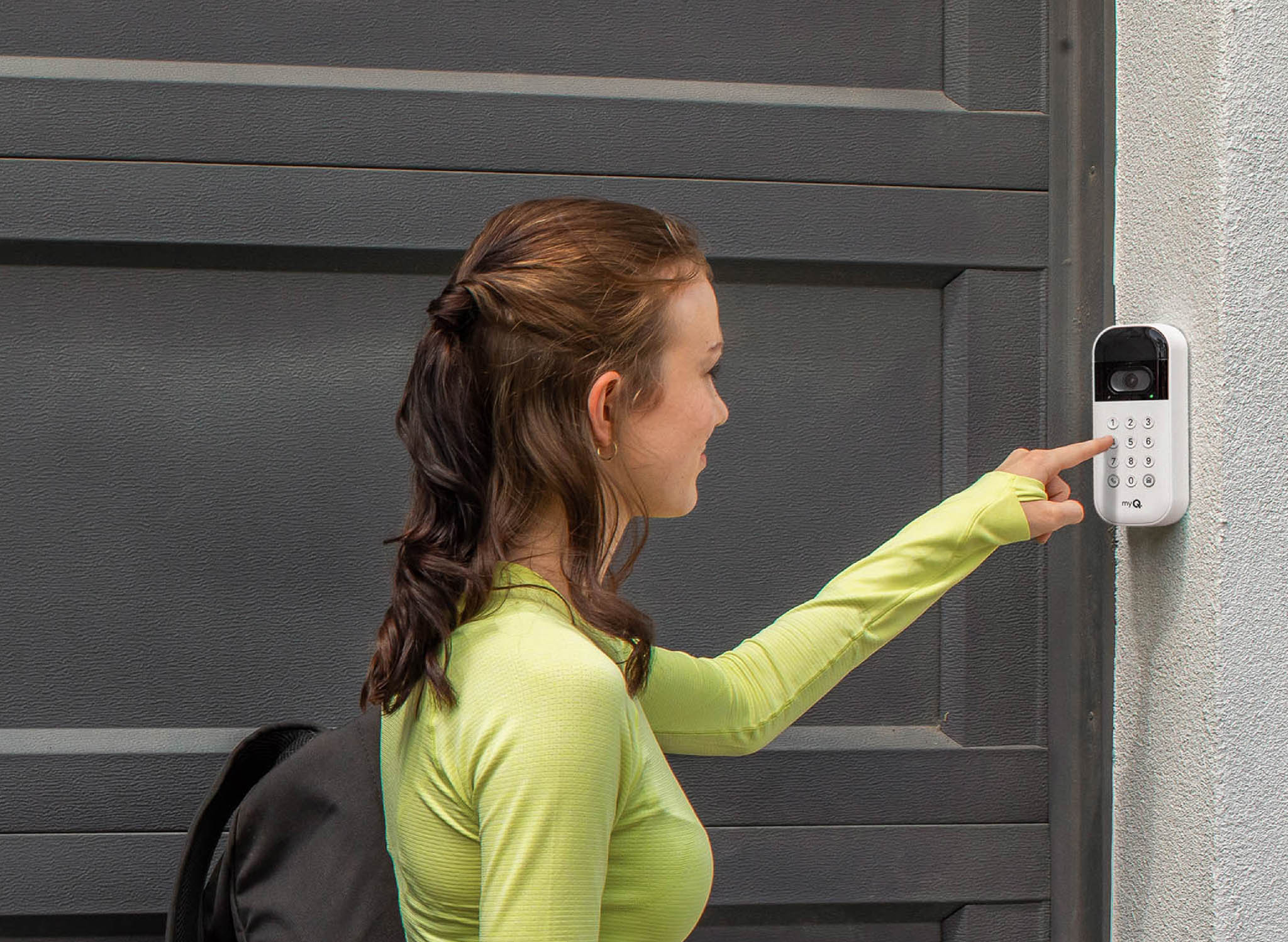
LiftMaster and Chamberlain openers with myQ® technology allow you to monitor and control your garage door from anywhere using the myQ® app. You can receive open/close alerts, set schedules, and grant access to others - even when you're away from home.
HomeLink Vehicle Systems
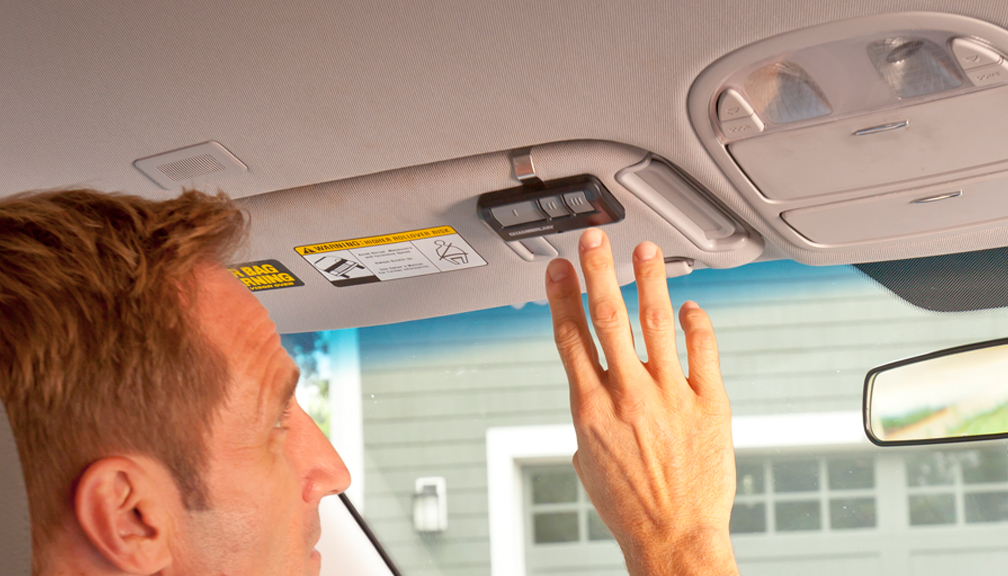
Many vehicles include built-in HomeLink buttons in the overhead console or visor. HomeLink uses its own frequency system and may require an adapter for compatibility with older or certain newer openers. Ask us about compatibility before purchasing a new opener.
Lost or Stolen Remote
If a remote has been stolen or lost, erase all paired devices immediately: hold the Learn button on your motor unit until the LED goes out (approximately 6 seconds). This removes all remotes, keypads, and phone apps. Then re-pair only your current trusted devices.
Remote or Keypad Not Working?
We'll diagnose the issue - battery, sync, interference, or opener board - and get your access working reliably. Call (801) 967-5359 or request residential service online.